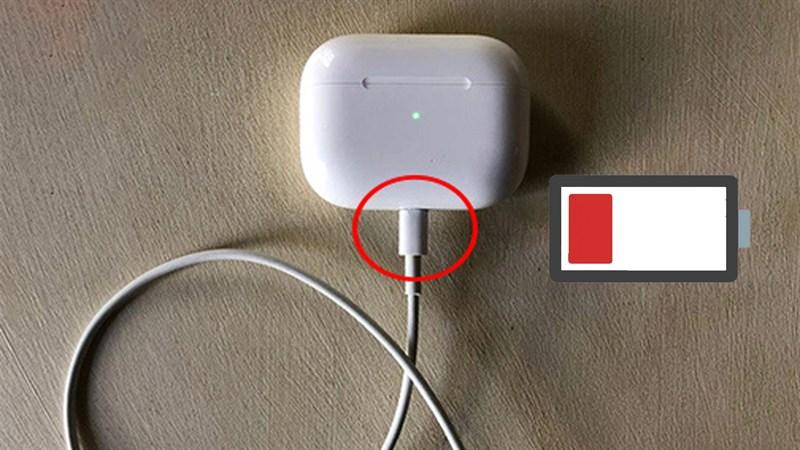
Charging usually feels like one of the simplest parts of using modern technology. A device becomes low on power, a cable is connected, and the battery percentage is expected to move upward without any further thought. That simplicity can make a charging failure surprisingly difficult to understand. When an airpods case not charging problem appears, for example, the case itself may not be the real source of the problem. The charging contacts, port, cable, software, or even the position of an AirPod inside the case can affect whether power reaches the right place. Anker identifies several of these factors as common reasons why AirPods may fail to charge properly.
The same principle becomes more noticeable with larger devices such as the iPad. A tablet depends on a reliable relationship between its power adapter, charging cable, connector, battery, software, and surrounding temperature. When one part of that chain becomes unreliable, the result can look much simpler than the underlying cause. The screen may simply show that the battery is not increasing, leaving the user wondering whether the charger, cable, port, battery, or software is responsible. Anker’s current guidance identifies low-power or incompatible chargers, damaged cables, blocked ports, software problems, overheating, and hardware failure among the possible causes.
What makes these situations interesting is that both products demonstrate the same hidden principle in different ways. Charging is not controlled by one component. It is a process involving several small connections that must work together. Once those connections are understood, troubleshooting becomes less about randomly replacing accessories and more about finding the point where the normal flow of power has been interrupted.
Charging Problems Often Begin With Small Connections
A charging system can be compared to a chain in which every link has a specific job. The wall outlet provides electricity, the adapter manages that power, the cable carries it toward the device, and the connector establishes physical contact. Inside the device, additional electronics regulate how that energy reaches the battery. If one part of this chain becomes unreliable, the visible result can simply be a battery that refuses to increase.
Small accessories add another layer to this process. AirPods have to sit correctly inside their case so that the internal contacts can transfer power to the earbuds. A charging case also needs enough power of its own before it can perform that job. Anker explains that a case with very low battery power may not have enough energy to charge the AirPods, while dirt on the contacts can prevent a proper connection.
This is why replacing the charger immediately is not always the logical first step. If an AirPod is not positioned correctly, a new charger will not solve the problem. If the case’s charging port is blocked, increasing the charger’s power will not remove the obstruction. The useful question is not simply whether electricity is available. It is whether that electricity can travel through every required stage and reach the intended component.
Why airpods case not charging Can Be a Contact Problem
An AirPods case is small enough that ordinary dust and debris can become significant. Charging contacts inside the case have to maintain physical contact with the metal surfaces on the earbuds. When particles collect around these areas, an AirPod may appear to be correctly inserted while failing to receive power consistently. Anker recommends checking the case battery, reinserting the AirPod, and carefully cleaning the relevant contact areas when charging problems occur.
The external charging port can create a similar issue. Dust, lint, or other material can interfere with power delivery, particularly when an AirPods case spends a lot of time in pockets, bags, or other everyday environments. The important detail is that these problems may develop gradually. The case might charge normally for months and then become increasingly inconsistent as debris accumulates or a cable experiences repeated wear.
The Position of an AirPod Matters More Than It Seems
It is easy to assume that placing an AirPod inside its case automatically creates a perfect charging connection. In reality, the earbuds have to settle correctly into their individual charging positions. If one does not sit properly, the case may have power while the individual earbud remains at the same battery level.
Anker recommends removing and reinserting an AirPod when only one side appears not to be charging. Checking the charging status through the connected iPhone can then help determine whether the connection has been restored. This is a useful example of why charging problems should be diagnosed according to the exact symptom. A case that cannot receive power and an earbud that cannot receive power are two different situations even though both may initially be described as an AirPods charging problem.
iPad Charging Has a Different Power Equation
An iPad is physically larger and generally has a different power requirement from small accessories. That means the charger has to be considered as part of the overall system rather than as a generic electricity source. Anker notes that low-wattage adapters intended for smaller devices may charge an iPad very slowly or may not provide enough power for normal charging behavior.
The power source itself can also be overlooked. A user may focus on the iPad and cable while the actual problem is an outlet, power strip, adapter, or another part of the external setup. Testing the power source separately can help remove that uncertainty. Once the external supply is known to work, attention can move toward the cable and device rather than changing multiple components without a clear reason.
Why ipad wont charge Can Point to the Cable First
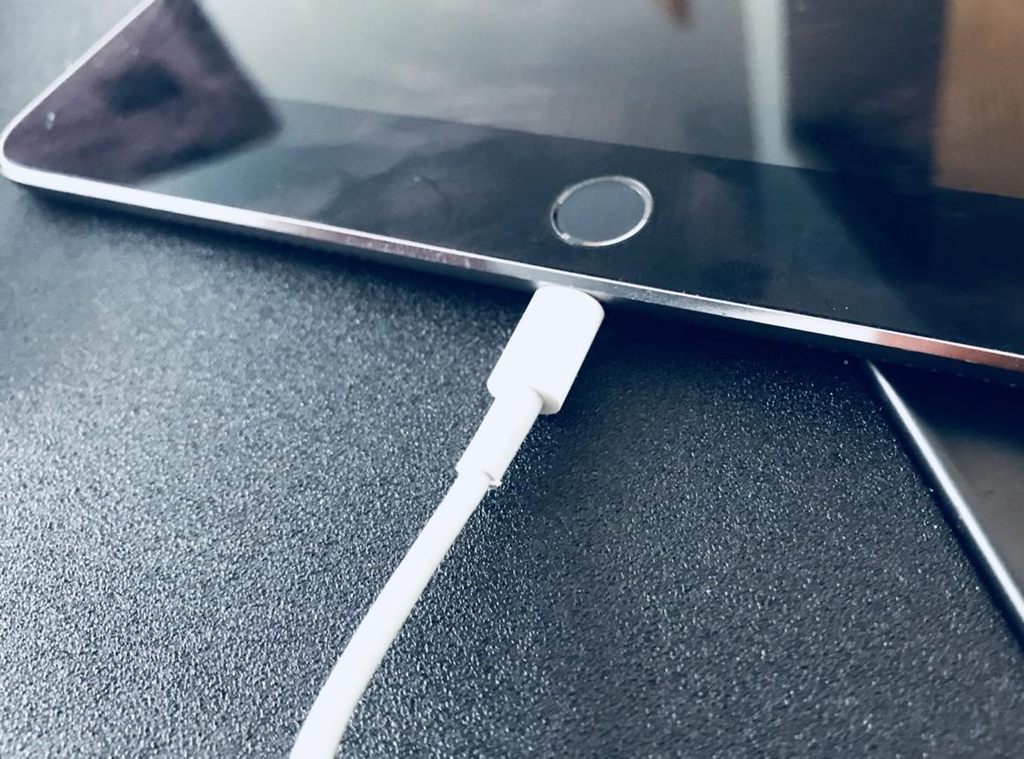
When an ipad wont charge situation continues after changing the outlet, charger, and cable, the charging port deserves closer attention. Dust and lint can accumulate inside the connector and prevent the plug from making proper contact. Physical wear can also become a factor after years of repeated plugging and unplugging. Anker’s guidance identifies blocked ports, damaged cables, incompatible chargers, and hardware problems as possible causes of iPad charging failures. The most useful troubleshooting approach is to change one variable at a time. Test another suitable power source, then another compatible cable, and inspect the port carefully without using damaging tools. If nothing changes despite multiple reasonable checks, continuing to force the connector is unlikely to help.
Testing another suitable cable can therefore be more informative than simply looking at the original one. If the iPad begins charging normally after the cable is changed, the battery itself may never have been the problem. This is one reason controlled troubleshooting works better than replacing several accessories at once. Each change provides information about where the interruption may be occurring.
A Blocked Port Can Create a False Battery Problem
Charging ports are exposed to the same environment as the rest of a device. Dust and lint can gradually accumulate inside them, especially when a tablet is frequently carried in a bag. Even a relatively small obstruction can interfere with the physical connection between the cable and the charging hardware.
Anker lists a dirty or blocked iPad charging port among the common causes of charging problems. This does not necessarily mean the port itself is damaged. In some situations, the problem is simply that the connector cannot establish the contact required for consistent power transfer. That distinction matters because a blocked port may need careful cleaning, while a physically damaged port may require professional service.
Heat Can Temporarily Change Charging Behavior
Temperature is another hidden variable in the charging process. Batteries and charging electronics operate within controlled conditions, and modern devices can respond when temperatures become excessive. Anker notes that an iPad may pause charging when it detects too much heat, particularly after intensive use or exposure to a hot environment.
This can create a confusing situation because the user may see the charger connected and assume something is broken. In reality, the device may be protecting itself while its temperature returns to a safer level. Intensive gaming, video editing, or other demanding activities can contribute to heat buildup. Giving the device time to cool and avoiding heavy workloads while charging can help determine whether temperature was involved.
Software Can Look Like a Hardware Failure
Not every charging problem has a physical explanation. Devices rely on software to communicate with accessories, monitor battery conditions, manage charging behavior, and respond to changing system conditions. A temporary software problem can therefore create symptoms that look like a defective cable or battery.
Anker lists software issues among the possible causes of AirPods charging problems and notes that iPad software glitches can also interfere with charging behavior. A restart or software update can sometimes remove a temporary problem without any hardware replacement. For AirPods, resetting the earbuds may also be useful when cleaning and repositioning do not solve the issue.
Battery Age Changes the Troubleshooting Picture
Batteries are consumable components. Their ability to store and accept energy changes over time, so an older device can behave differently from a relatively new one even when the same charger and cable are being used. This becomes particularly relevant when an iPad refuses to turn on or continues showing no meaningful charging response after the external accessories have been checked.
Anker notes that battery or internal hardware failure can become a possibility when an iPad remains unresponsive after other troubleshooting steps. The same general principle applies to AirPods cases. If the case continues to fail after checking power, contacts, charging methods, and software-related possibilities, the remaining explanation may involve the internal hardware rather than a simple charging accessory.
A More Logical Way to Troubleshoot
The most useful charging troubleshooting process is based on elimination. Start with the easiest external factor and move gradually toward the device itself. Check the outlet or power source, then the adapter, cable, connector, charging port, temperature, and software. With AirPods, also check the case battery and whether each earbud is seated correctly.
Changing one factor at a time has another advantage: it creates evidence. If a different cable immediately restores charging, there is a strong reason to suspect the original cable. If cleaning the contacts allows one AirPod to begin charging, the problem was probably related to contact rather than battery failure. If nothing changes after multiple reasonable checks, the possibility of hardware damage becomes more relevant.
Prevention Is Easier Than Repeated Troubleshooting
Everyday charging equipment benefits from basic care. Cables should not be repeatedly bent or pulled from awkward angles, charging ports should be kept reasonably clean, and devices should not be exposed unnecessarily to excessive heat. These habits do not make batteries or connectors immune to failure, but they can reduce some of the everyday conditions that contribute to charging problems.
For AirPods, keeping the case and earbud contacts clean can help maintain a reliable connection. For an iPad, protecting the cable from excessive bending and keeping the charging port free from debris can make everyday charging more consistent. Anker also recommends using quality charging accessories and storing an iPad in a cool, dry environment.
Knowing When the Problem Is Beyond Home Troubleshooting
There is a practical limit to what can be diagnosed at home. If an AirPods case remains unable to charge after checking its battery level, charging setup, contacts, and reset options, professional support may be appropriate. Anker recommends contacting Apple Support when AirPods charging issues continue after basic troubleshooting.
The same principle applies to an iPad that remains unresponsive after the charger, cable, outlet, port, software, and temperature have been reasonably checked. Continuing to force connectors or repeatedly experiment with unsuitable accessories can create additional problems. At that stage, professional inspection can help determine whether the battery, charging port, or another internal component needs attention.
Conclusion
Charging failures often look like simple battery problems, but the real cause can be hidden somewhere much earlier in the power chain. A dirty contact can prevent an AirPod from receiving power, a weak cable can interrupt an iPad’s connection, a blocked port can make a working charger appear useless, and excessive heat can temporarily change how a device manages charging.
The important lesson is that charging should be treated as a complete system rather than a single action. Looking at the power source, accessories, physical connections, software, temperature, and battery condition in a logical sequence makes troubleshooting more productive. Whether the problem begins with an AirPods case or an iPad, understanding these hidden connections can save unnecessary replacements and make everyday device care much easier.
FAQs
Why is my AirPods case not charging?
Possible causes include a very low case battery, dirty charging contacts, a blocked charging port, a faulty cable, or a software-related problem. Checking the case battery and charging connection is a useful starting point.
Can dust stop an AirPods case from charging?
Yes. Dust or lint can interfere with charging contacts or the charging port and prevent a reliable power connection. Careful cleaning with suitable soft materials can help.
Why is my iPad connected to a charger but not charging?
The cause may be a low-power or incompatible adapter, damaged cable, blocked port, software issue, excessive heat, or battery or hardware failure.
Can a damaged charging cable make an iPad stop charging?
Yes. Internal cable damage can interrupt power delivery even when the outside of the cable does not look severely damaged. Testing another suitable cable can help identify the issue.
Can overheating stop an iPad from charging?
Excessive temperature can cause charging to pause while the device manages the heat. Allowing the iPad to cool before continuing can help determine whether temperature was responsible.
When should I contact Apple Support?
If basic checks of the charger, cable, power source, contacts, port, software, and temperature do not restore normal charging, professional support may be appropriate. Anker recommends contacting Apple Support when persistent AirPods charging problems remain after troubleshooting.