Making a game alone — or with a tiny team — means wearing every hat at once. You’re designing levels, writing dialogue, debugging code, and somewhere in the back of your head, you know the game still needs music. A complete original soundtrack. Not just one loop, but tracks for the main menu, combat sequences, exploration zones, emotional cutscenes, and credits. That’s a tall order when your budget is tight and your time is already gone. AI Song is built exactly for moments like this — a free AI music generation tool that lets you produce studio-quality, royalty-free tracks without ever touching a DAW.
I. What AI Song Actually Gives You
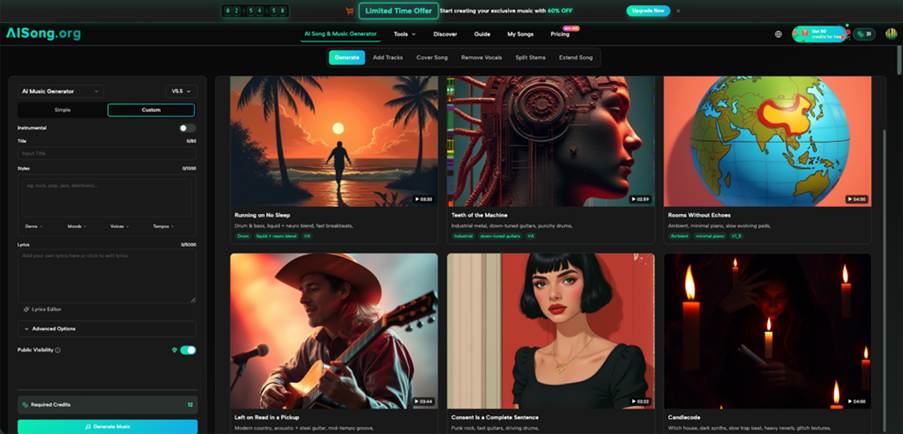
Before getting into workflow, it helps to know what you’re working with. AI Song isn’t a single-trick tool. It’s a full music production suite with several features that matter specifically for game audio:
- AI Music Generator — Produces original compositions from a text description. You describe the mood, genre, and style; the system builds the track.
- AI Lyrics Generator — Writes verses, choruses, and bridges if your game needs vocal tracks or theme songs.
- Text/Lyrics to Music — Takes written lyrics and converts them into a fully produced song, complete with vocals and instrumentation.
- Extend Song — Lets you take a generated track and make it longer, add new sections, or create variations — essential for looping game music.
- Vocal Remover — Strips vocals from any track to produce clean instrumentals for use as in-game background audio.
- MP3 to WAV Converter — Converts outputs to lossless WAV format for clean integration into game engines like Unity or Godot.
Every track generated comes with full commercial rights and no royalty obligations, meaning you can ship your game and monetize it without worrying about copyright claims.
II. Mapping Your Game’s Emotional Arc First
The most common mistake indie developers make with game music is treating it as an afterthought — something to fill silence. A strong OST should mirror the emotional journey of the game itself. Before generating a single track, write out a simple scene list:
- What are the five or six distinct emotional states in your game?
- Which zones or scenes carry the most weight?
- Does the game have a moment of triumph, a moment of loss, or a moment of mystery?
Once you have that list, you have your track list. Each emotional state becomes a brief prompt for the AI Song Generator, and you now have a structured creative brief instead of a vague idea.
III. Using Simple vs. Custom Mode Strategically
AI Song offers two generation modes, and knowing when to use each one saves time.
Simple Mode for Speed
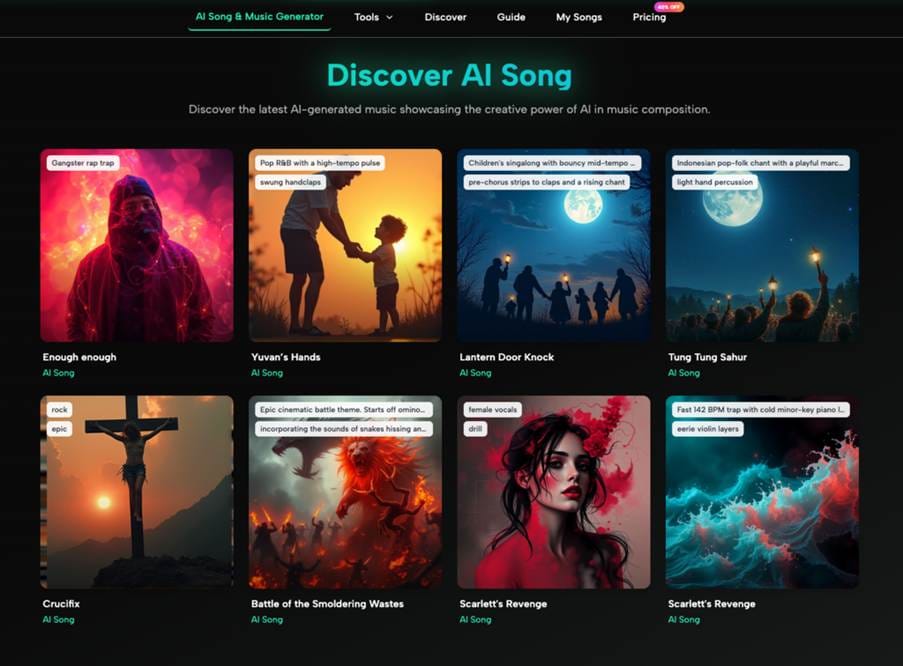
Simple Mode gives you a single text field where you describe the song you want. This is ideal for quick iterations — when you need to test three or four directions for a dungeon track before settling on one. You can generate multiple variations and audition them side by side.
Custom Mode for Precision
Custom Mode opens up a richer set of controls: a title field, a style description box with genre, mood, voice, and tempo selectors, and a full lyrics editor. Use this when you know exactly what a scene needs. For example, a boss fight track might call for a specific tempo, an aggressive tone, and orchestral instrumentation — parameters you can set explicitly rather than describe loosely.
IV. Building the Combat and Exploration Tracks
Combat music needs to sustain energy without becoming fatiguing over repeated listens. When prompting the AI Music Generator for a combat theme, include specific cues: tension, percussion weight, the pace of the fight, and any thematic connection to your game’s world. A fantasy RPG combat track reads differently from a cyberpunk shooter’s — and the system responds to those distinctions.
Exploration music works best when it has space. Describe ambient qualities, the geography of the zone (forest, ruins, underwater), and whether the mood should feel safe or uncertain. The goal is music that sits slightly under the player’s attention — present enough to support immersion, unobtrusive enough not to compete with gameplay sounds.
Using Extend Song for Loop-Ready Tracks
Game music almost always loops. A 90-second track generated by the AI Music Maker might be perfect, but it needs to be long enough for extended play sessions. The Extend Song feature lets you add verses or bridges and build the track out to a natural loop length — without regenerating from scratch and losing the style you already locked in.
V. Theme Songs and Vocal Tracks
Not every indie game needs a vocal theme, but the ones that have one are often remembered for it. If your game has an emotional core — a story about loss, reunion, or survival — a theme song can carry that weight in a way background music can’t.
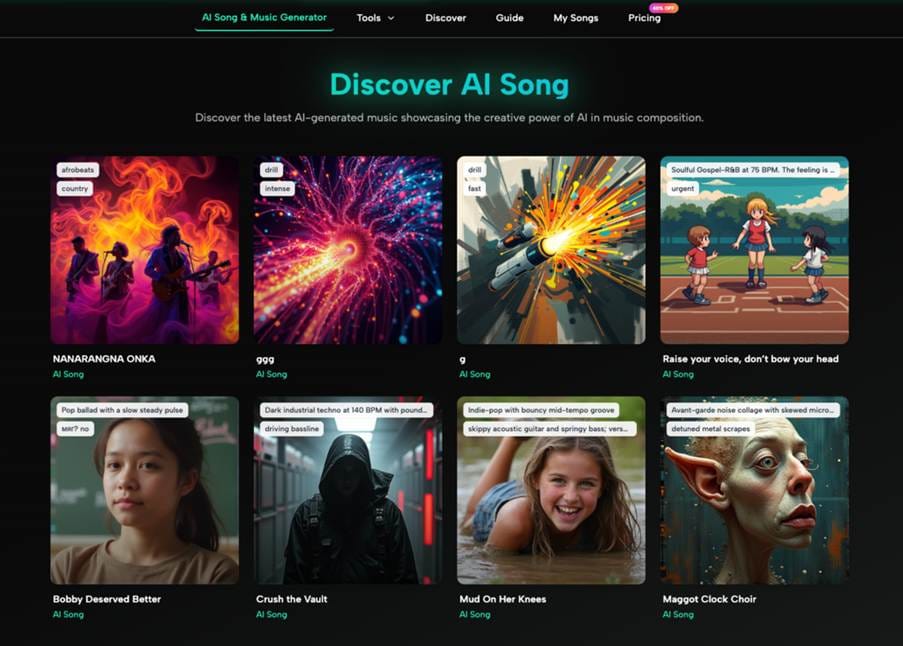
The Text/Lyrics to Music feature handles this directly. Write the lyrics yourself, paste them into the lyrics editor, and the AI Song Maker generates a full produced song around your words. You control the narrative; the tool handles the arrangement, vocal performance, and mixing.
If your game’s theme song uses vocals but you want an alternate instrumental version for loading screens or menus, the Vocal Remover strips the vocals cleanly, giving you both versions from one source track.
VI. Audio Export and Engine Integration
Generated tracks download in MP3 format. For most game engines, that’s workable — but lossless audio is almost always preferable for in-engine compression and audio management. The MP3 to WAV Converter inside AI Song handles this without leaving the platform.
Once in WAV format, tracks drop cleanly into Unity’s Audio Mixer, Godot’s AudioStreamPlayer, or any other engine’s audio system. Name your files descriptively (e.g., zone_forest_explore_loop.wav, boss_fight_phase2.wav) before import so your audio folder doesn’t become unmanageable as the OST grows.
VII. Finishing the OST Without Burning Out
A full OST for an indie game might need anywhere from eight to twenty tracks depending on scope. That sounds like a lot, but with a structured prompt list and the AI Music generation workflow above, it’s genuinely achievable in a focused weekend.
The bigger risk isn’t running out of ideas — it’s second-guessing every track until nothing feels right. Generate two or three variations per scene, pick the one that fits, and move on. Perfectionism is the real bottleneck in solo game development, and having a tool that produces results in minutes removes the excuse to keep waiting.
Your game has something to say. The music should say it with you — and now you don’t need a composer on retainer, a studio booking, or a decade of music theory to make that happen. Ship the game. Let the soundtrack speak.